Yes, you can use Miro board for free.
Let me explain how it works.
In small words. Short lines. Easy to understand.
What Is Miro?
Miro is an online whiteboard.
It is for teams.
Or for one person.
You can draw.
You can write.
You can add notes.
You can plan things.
It’s like using a big paper.
But online.
And everyone can work together.
At the same time.
Even if people are in different cities.
Does Miro Have a Free Plan?
Yes.
Miro gives a free plan.
You don’t need a credit card to sign up.
Just go to their website. Make an account.
Done. You can start for free.
Free Plan Features
Free Plan Features
Let me tell you what you get in the free plan:
- ✅ 3 editable boards
You can make 3 boards.
You can write on them. Move things.
If you make more than 3, the old one becomes “view-only.” - ✅ Unlimited team members
You can invite many friends or coworkers.
No extra charge. - ✅ All templates
There are 5000+ templates.
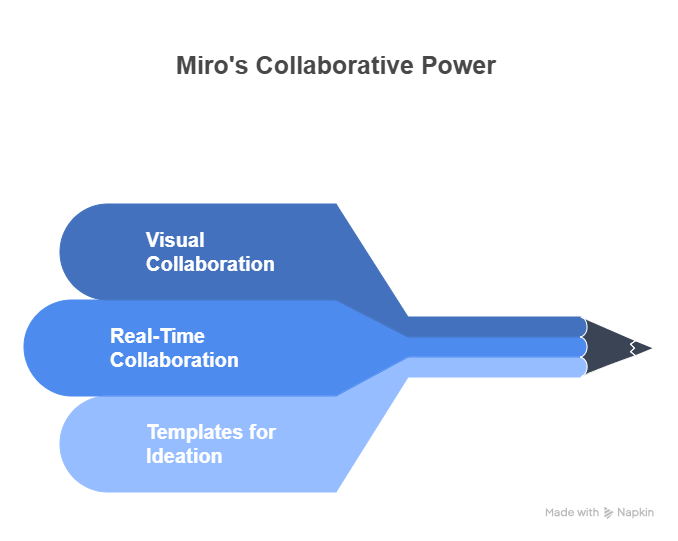
Like mind maps. Project plans. Brainstorming boards. - ✅ Real-time collaboration
You and your team can work on the board together.
Live. Like Google Docs. - ✅ Core integrations
You can connect Miro with other tools.
Like Google Drive, Slack, and Zoom.
What You Cannot Do (Free Plan Limits)
Yes, it’s free. But not perfect. There are some limits.
Let me explain them slowly.
❌ Only 3 boards
You can only work on 3 boards at a time.
If you need more, you must delete one.
Or pay.
❌ No private boards
All boards are shared with the team.
You can’t hide a board from others in your team.
❌ No export options
You can’t save your board as a high-quality PDF or image.
This is only in paid plans.
❌ Limited support
If something breaks, you only get basic help.
No fast support.
My Experience Using Free Miro board
Let me tell you what I did.
I made 3 boards.
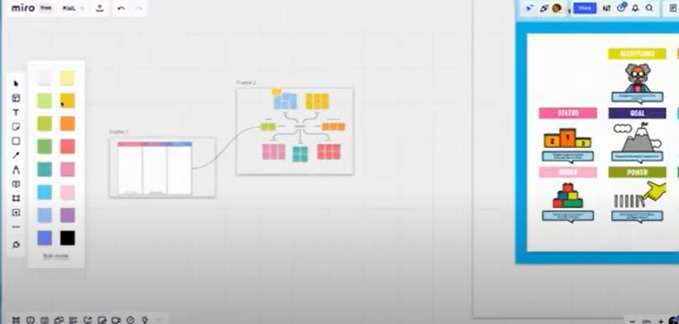
- First board: I made a mind map for a blog.
- Second board: I planned a team meeting.
- Third board: I designed a website layout.
It was super easy.
I used sticky notes. Arrows. Text.
I even invited my friend.
He lives in another country.
But we worked on the same board.
At the same time.
It felt like magic.
Can You Keep Using It Free Forever?
Yes.
The free plan doesn’t expire.
You can use it as long as you want.
But just 3 boards.
If that’s enough, then great.
Use it free forever.
But if your work grows,
you might need more features later.
Still, free is perfect for starting.
Or for students. Or small teams.
Frequently Asked Questions (FAQ)
Q1: Is Miro free forever?
Yes.
Miro has a free plan that does not expire.
You can use it as long as you want.
Q2: How many miro boards can I make on the free plan?
You can make 3 editable boards.
You can delete old ones to make new ones.
Q3: Can I work with friends on free Miro board?
Yes.
You can invite others.
You can all draw on the board together.
Q4: What happens if I want more than 3 miro boards?
You have two choices:
- Delete an old board
- Or upgrade to a paid plan for unlimited boards
Q5: Can I use Miro on my phone for free?
Yes.
Miro has a free mobile app.
It works on Android and iPhone.
Q6: Do I need a credit card to try Miro?
No.
You don’t need a card to sign up for the free plan.
Just your name and email.
Q7: What if I accidentally delete a board?
If you delete a board, it’s gone.
So be careful.
But you can export your board as an image or PDF to save it.