Building a website no longer requires advanced coding skills or expensive developers. Thanks to tools like Hostinger AI Website Builder, anyone can create a professional website in minutes. Whether you want a blog, business site, or online portfolio, Hostinger’s AI makes the process simple, even for complete beginners. Let’s explore how you can launch your own website step-by-step using this tool.
Why Choose Hostinger Ai Website Builder?
Hostinger’s AI-powered builder offers several advantages:
- Speed: Create a site in under 10 minutes.
- Simplicity: No coding or design experience needed.
- Customization: Edit layouts, colors, and content easily.
- Affordability: Plans start as low as $2.99/month.
Compared to traditional builders, Hostinger AI uses smart technology to generate a site based on your goals. Here’s how it stacks up:
| Feature | Hostinger AI | Traditional Builder |
|---|---|---|
| Setup Time | <10 minutes | 30+ minutes |
| Design Skill Needed | None | Basic to Advanced |
| Cost | Low | Medium to High |
Step-by-step Guide: Building Your Website
1. Sign Up For Hostinger
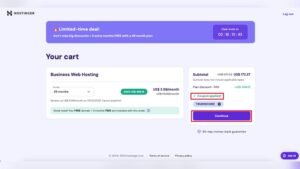
Visit Hostinger’s website and select a plan. The entry-level option is enough for most users.
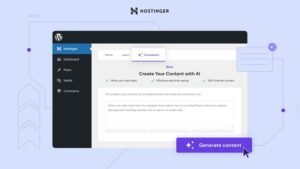
2. Access The Ai Website Builder
Once signed up, log in to your dashboard. Choose “AI Website Builder” from the site creation options.
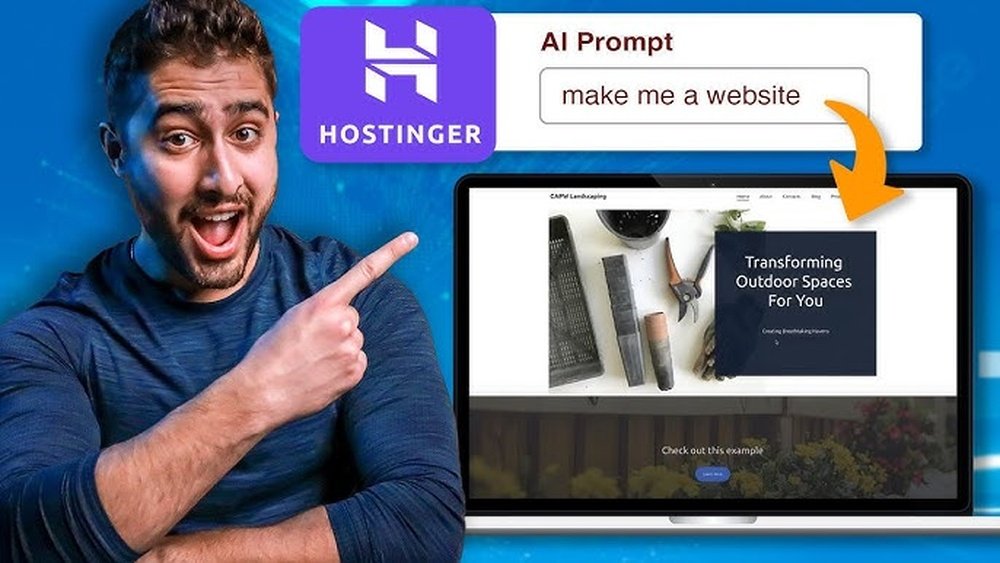
3. Describe Your Website
Enter a few details—like your business name and purpose. For example, “Bakery in New York selling custom cakes. ”
4. Review And Edit The Ai Draft
The AI creates a full website with text, images, and layout. You can customize colors, fonts, and sections as needed.
5. Add Features
Use drag-and-drop to insert elements like:
- Contact forms
- Photo galleries
- Online store (for e-commerce)
- Preview and Publish
Preview your site on desktop and mobile. When happy, click “Publish. ” Your website is live!
Here’s a quick look at how Hostinger AI compares with other top builders:
| Platform | AI Assistance | Free Domain | Starting Price |
|---|---|---|---|
| Hostinger | Yes | Yes | $2.99/mo |
| Wix | Partial | No | $4.50/mo |
| Squarespace | No | Yes | $16/mo |

Credit: www.youtube.com
Non-obvious Tips For A Better Site
- Edit AI Text: The AI writes basic content, but personalizing text helps your site stand out and sound unique.
- Optimize for Mobile: Always check the mobile view—over 54% of web traffic comes from phones.
- Connect Google Analytics: Hostinger lets you add analytics easily. Track your visitors to see what works.
For more details on website builders, visit PCMag’s expert roundup.
A well-built website can help you reach new customers, sell products, or share your passion with the world. Hostinger’s AI tools make this possible for everyone, no matter their technical skills.
Frequently Asked Questions
How Much Does Hostinger Ai Website Builder Cost?
Plans start at $2.99 per month and include hosting, SSL, and a free domain for the first year.
Can I Use My Own Domain Name?
Yes, you can connect a custom domain or get one free with most Hostinger plans.
Is Hostinger Ai Good For E-commerce?
Hostinger AI supports online stores with secure checkout, inventory tools, and easy product management.
Do I Need Coding Skills?
No coding is required. The drag-and-drop editor and AI features handle everything.
Can I Switch Templates After Publishing?
Yes, you can change your site’s design template anytime without losing your content.

Credit: axnhost.com