

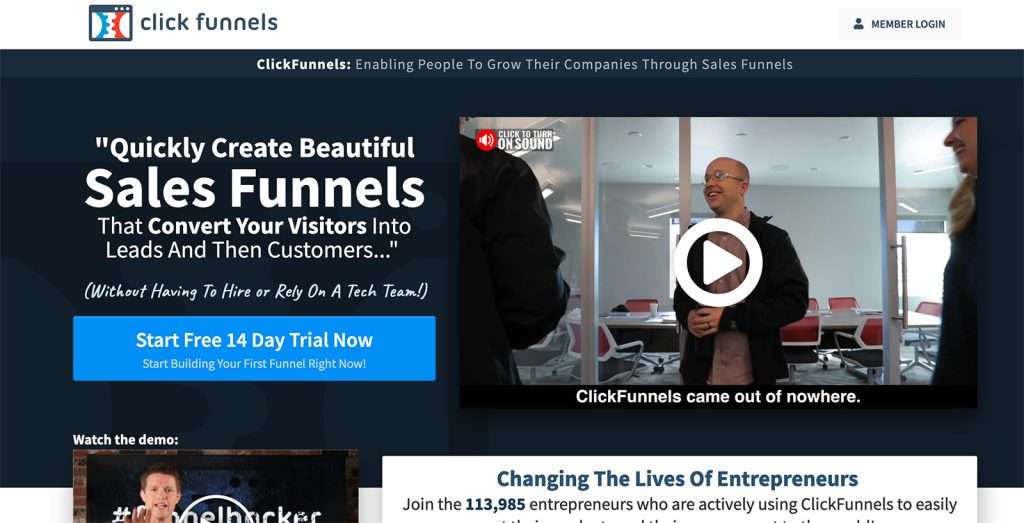
To use ClickFunnels for landing pages, create an account and choose a suitable template. Customize the template to fit your needs.
Creating effective landing pages is crucial for online marketing success. ClickFunnels offers a user-friendly platform designed to simplify this process. Start by selecting a template that aligns with your goals. You can then personalize it with your brand’s colors, images, and text.
The drag-and-drop editor makes customization easy, even for beginners. Integrate essential elements like call-to-action buttons, forms, and videos to enhance engagement. Analytics tools help you track performance and make data-driven improvements. With ClickFunnels, you can streamline the creation of high-converting landing pages, boosting your marketing efforts and driving more leads and sales.
Introduction To Clickfunnels
Are you looking to create effective landing pages that convert? Clickfunnels is the tool you need. This guide will introduce you to Clickfunnels and explain why it’s the best choice for building landing pages.
What Is Clickfunnels?
Clickfunnels is a software that helps you create high-converting sales funnels. It offers a drag-and-drop editor to build pages with ease. You can create various types of funnels, including:
- Sales Funnels
- Lead Generation Funnels
- Webinar Funnels
With Clickfunnels, you don’t need any coding skills. You can quickly build landing pages and launch your campaigns.
Benefits Of Using Clickfunnels
Using Clickfunnels offers many benefits that make it a top choice for marketers. Here are some key advantages:
| Benefit | Description |
|---|---|
| Easy to Use | Drag-and-drop interface makes it user-friendly. |
| Customizable Templates | Offers a variety of templates to suit your needs. |
| All-in-One Solution | Combines landing pages, email marketing, and more. |
Clickfunnels also provides analytics to track your funnel’s performance. This helps you make data-driven decisions. You can see which pages are converting and which need improvement.
Another great feature is A/B testing. You can test different versions of your landing pages. This helps you find the most effective design and copy.
Overall, Clickfunnels saves time and boosts your marketing efforts. It’s an essential tool for anyone serious about online marketing.
Setting Up Your Account
Setting up your ClickFunnels account is the first step in creating high-converting landing pages. Follow these simple steps to get started. Ensure you choose the right plan that suits your needs.
Creating An Account
To create your ClickFunnels account, visit the ClickFunnels website. Click on the “Get Started” button. You will be directed to a sign-up form. Fill in your details such as:
- Email Address
- Password
- First Name
- Last Name
After filling in your details, click the “Sign Up” button. You will receive a confirmation email. Open the email and click on the confirmation link. Your account will be activated.
Choosing A Plan
ClickFunnels offers different plans to suit various needs. Choose a plan based on your requirements. Below is a simple comparison of the available plans:
| Plan | Price | Features |
|---|---|---|
| Basic | $97/month |
|
| Platinum | $297/month |
|
Once you choose a plan, click on the “Select Plan” button. Enter your payment details. Click on the “Complete Sign-Up” button. Your chosen plan will be activated.
Designing Your Landing Page
Creating an effective landing page is crucial for conversions. With Clickfunnels, you can easily design a high-converting landing page. This section will guide you through the process.
Selecting A Template
Clickfunnels offers a variety of templates. Choose one that fits your brand. Consider the layout and design elements. The template should match your campaign goals.
Here’s a simple table to help you choose:
| Template Type | Best For |
|---|---|
| Lead Capture | Gathering emails |
| Sales Page | Selling products |
| Webinar | Hosting webinars |
Customizing Your Design
After selecting a template, you can customize it. Add your own text, images, and colors. Make sure to use bold for important keywords. This makes them stand out.
Follow these steps:
- Click on the element you want to edit.
- Use the toolbar to make changes.
- Save your work regularly.
Use bullet-points for features and benefits:
- Easy drag-and-drop editor
- Customizable fonts and colors
- Mobile-friendly design
Remember to keep your design simple. A cluttered page can confuse visitors. Focus on the call-to-action. This is what drives conversions.

Credit: digitalmedianinja.com
Integrating Tools And Services
Clickfunnels makes it easy to integrate various tools and services into your landing pages. This helps streamline your marketing efforts and improve conversions. Below, we explore how to integrate email marketing platforms and set up payment gateways within Clickfunnels.
Email Marketing Integration
Email marketing is crucial for nurturing leads and converting them into customers. Clickfunnels supports seamless integration with popular email marketing tools like Mailchimp, AWeber, and ConvertKit.
- Go to your Clickfunnels dashboard.
- Click on “Integrations” in the menu.
- Choose your email marketing service from the list.
- Follow the prompts to connect your account.
Once connected, you can easily add email opt-in forms to your landing pages. This ensures that all collected emails are automatically added to your email marketing service.
Payment Gateway Setup
Setting up a payment gateway in Clickfunnels allows you to accept payments directly through your landing pages. Clickfunnels supports multiple payment gateways like Stripe, PayPal, and Authorize.net.
- Navigate to your Clickfunnels dashboard.
- Click on “Account Settings”.
- Select “Payment Gateways” from the settings menu.
- Click on “Add New Payment Gateway”.
- Choose your preferred payment gateway.
- Follow the instructions to connect your account.
After setting up the payment gateway, you can add payment forms to your landing pages. This allows customers to make purchases directly, increasing your conversion rates.
Integrating these tools and services enhances the functionality of your landing pages. This makes Clickfunnels a powerful tool for your marketing needs.
Optimizing For Conversions
Optimizing for conversions is crucial when using ClickFunnels for landing pages. By focusing on key elements, you can turn visitors into leads and customers. Let’s explore some effective strategies to achieve higher conversion rates.
A/b Testing
A/B testing involves comparing two versions of a landing page. This helps identify which one performs better. Create two variants of your landing page, changing one element at a time, like:
- Headlines
- Call-to-action buttons
- Images
- Form fields
Run the test for a set period. Analyze the results to see which version converts more visitors. Constant testing improves your landing page over time.
Tracking And Analytics
Tracking and analytics are essential for understanding visitor behavior. ClickFunnels offers built-in tools to monitor key metrics. These include:
| Metric | Description |
|---|---|
| Conversion Rate | Percentage of visitors who take the desired action |
| Bounce Rate | Percentage of visitors who leave without interacting |
| Average Time on Page | How long visitors stay on your landing page |
Use these insights to refine your landing page. Identify areas needing improvement and make data-driven decisions.
Integrate third-party tools like Google Analytics for deeper insights. Track user behavior and identify traffic sources. This helps in optimizing your marketing strategies.
By implementing A/B testing and tracking and analytics, you can significantly enhance your conversion rates. These strategies ensure your landing pages are effective and engaging.

Credit: sleekfunnels.com
Publishing Your Landing Page
Once you’ve designed your landing page in Clickfunnels, the next step is to publish it. This involves a few key steps to ensure your page is live and accessible. In this section, we’ll cover how to connect your domain and launch your page.
Connecting Your Domain
To publish your landing page, you’ll need to connect a domain. This gives your page a professional look and makes it easier for users to find you. Follow these steps:
- Log in to your Clickfunnels account.
- Go to the ‘Account Settings’ section.
- Click on ‘Domains’ and then ‘Add New Domain’.
- Choose whether you want to register a new domain or use an existing one.
- Follow the prompts to complete the setup process.
Once your domain is connected, it will be linked to your landing page. This ensures users can access it through a unique, branded URL.
Launching Your Page
With your domain connected, you’re ready to launch your landing page. Follow these steps to make it live:
- Navigate to the funnel that contains your landing page.
- Click on ‘Publishing’ in the funnel menu.
- Review the settings and ensure everything is correct.
- Click the ‘Save and Publish’ button.
After clicking ‘Save and Publish’, your page will be live. Users can now visit your landing page using your connected domain. Always test the live page to ensure it functions correctly.
Here is a quick checklist for launching your page:
- Domain connected
- Settings reviewed
- Page tested
- Page published
By following these steps, you can successfully publish your landing page using Clickfunnels. A well-published page enhances user experience and drives traffic.
Troubleshooting And Support
Using ClickFunnels can significantly enhance your landing pages. Yet, issues can arise. This section covers Troubleshooting and Support to help you solve common problems swiftly.
Common Issues
Many users face common issues with ClickFunnels. These can range from page loading errors to integration problems. Below is a list of frequent issues and potential solutions:
- Page not loading: Check your internet connection and browser settings.
- Form submissions failing: Verify your form settings and integration.
- Payment gateway issues: Ensure your payment gateway API keys are correct.
- Elements not displaying correctly: Clear your browser cache.
Accessing Support
If issues persist, accessing ClickFunnels support can be crucial. ClickFunnels offers several support options:
| Support Option | Details |
|---|---|
| Live Chat | Available 24/7 for immediate assistance. |
| Email Support | Send detailed queries to support@clickfunnels.com. |
| Knowledge Base | Access articles and tutorials at help.clickfunnels.com. |
For faster resolution, follow these steps:
- Describe your issue clearly.
- Provide screenshots if possible.
- Mention any troubleshooting steps you have tried.
Using these support options effectively can save you time and frustration.
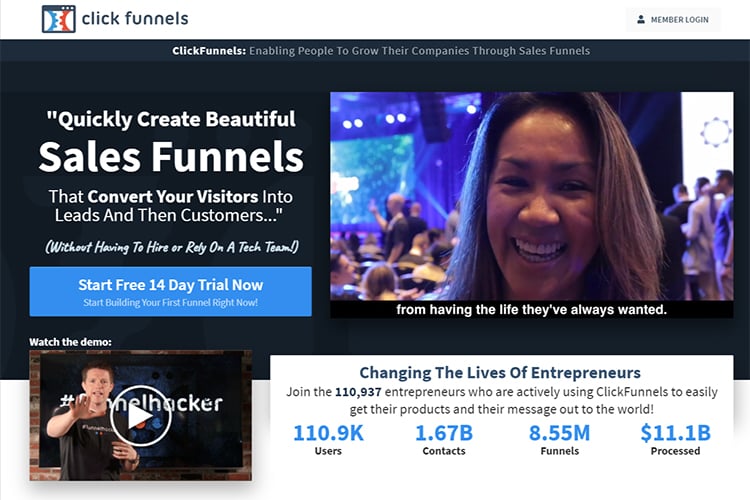
Credit: www.clickfunnels.com
Frequently Asked Questions
What Is Clickfunnels?
Clickfunnels is a tool for creating landing pages and sales funnels to boost online marketing efforts.
How Do I Start With Clickfunnels?
Sign up on the Clickfunnels website, choose a plan, and start creating your first landing page using the drag-and-drop builder.
Can I Integrate Clickfunnels With Other Tools?
Yes, Clickfunnels integrates with various tools like email marketing services, CRM systems, and payment gateways.
Is Clickfunnels Beginner-friendly?
Absolutely, Clickfunnels offers a user-friendly interface and templates that make it easy for beginners to create landing pages.
How Much Does Clickfunnels Cost?
Clickfunnels offers multiple pricing plans starting at $97 per month, with a 14-day free trial available.
What Are Clickfunnels Templates?
Clickfunnels templates are pre-designed pages that you can customize to match your branding and marketing needs.
Can I Track Analytics In Clickfunnels?
Yes, Clickfunnels provides built-in analytics to track page performance, conversions, and user behavior.
Does Clickfunnels Offer Customer Support?
Yes, Clickfunnels offers customer support through live chat, email, and an extensive knowledge base.
Conclusion
Mastering Clickfunnels for landing pages can elevate your marketing game. It’s user-friendly and powerful. With the right strategies, you can enhance conversions and grow your business. Start experimenting with its features today. Watch your landing pages transform into high-converting assets.
Happy funnel building!




