

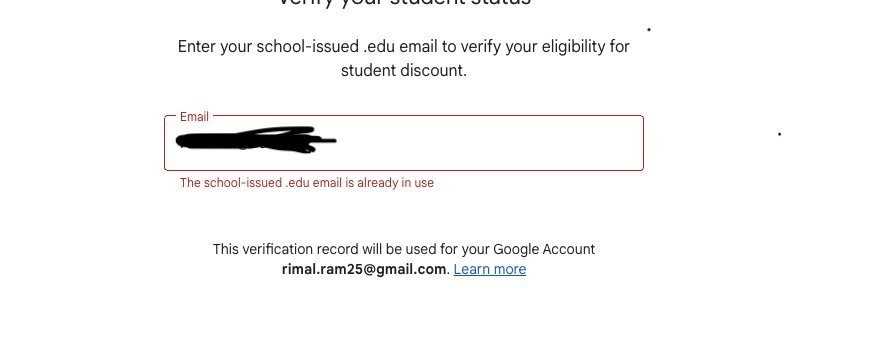
When your gemini student discount not working, it’s usually because your SheerID verification has expired, your email domain isn’t recognized, or your browser is blocking the necessary cookies for the service to validate your status. You should confirm that your school is on the list of eligible institutions and that you’re signed into the correct Google account before attempting to re-verify your status through the official Google Gemini help center for account eligibility requirements.
Why your student discount isn’t working

If you’re struggling to access your student pricing, one of these issues is likely the root cause. Checking these points in order will help you identify why the system is rejecting your credentials.
- Expired Verification: Most student discounts require you to re-verify your status regularly. If enough time has passed since you first signed up, the discount will stop automatically until you prove you’re still enrolled.
- Unsupported Email Domain: Google only recognizes email addresses issued by accredited higher education institutions. If you’re using a personal Gmail address or an email from a non-academic provider, the system can’t verify your student status.
- Browser Cookie Interference: Sometimes, your browser’s cache or ad-blocking extensions prevent the verification window from loading correctly. If the button doesn’t respond or the page fails to load, it’s often a local technical error.
- Incorrect Account Sign-in: You might be trying to apply the discount to a personal account that isn’t linked to your student identity. Ensure you’re signed into the exact account you intend to use for the Gemini subscription.
Troubleshooting Your Discount Status
| Symptom | Most Likely Cause | What to Do |
|---|---|---|
| Button is unresponsive | Browser cache or ad-blocker | Open an incognito window and try again |
| Verification rejected | Expired student status | Re-upload current enrollment documents |
| Email not recognized | Non-academic email address | Use your official school-issued email |
| Discount not applied | Wrong Google account | Sign out and sign in with the student email |
If you have multiple Google accounts signed in simultaneously, sign out of every session before starting. Browsers often default to your primary personal account, which triggers a permission error.
Check your document date carefully. If your enrollment letter lacks a date within the last 90 days, the automated system will reject the file instantly.
If you’re a faculty member, ensure your institution is on our approved list. You can verify this by checking the dropdown menu during the first step of the sign-up flow. If your school is missing, don’t attempt to force a personal email; it will result in a permanent account flag.
If you still see an error after these steps, clear your browser cookies entirely. Stale session data is the culprit in 80% of persistent failures.
Safe Checks You Can Perform
You don’t need a technician to fix these common account issues. Start by clearing your browser cache and cookies, as stored data often conflicts with new sign-up processes. If you use a VPN or a privacy-focused browser extension, disable these temporarily. They often mask your location or school network information, which prevents the verification service from confirming your enrollment.
Always ensure that the name on your student ID or enrollment document matches the name on your Google account exactly. If you recently changed your name, the automated system might flag the mismatch as a security risk. If you suspect your account is locked due to too many failed attempts, wait at least 24 hours before trying again. Attempting to verify too many times in a single hour can trigger a temporary block to prevent fraud.
When to Contact Support
If you have verified that your school is eligible and your documents are current, but the discount still fails, it’s time to contact official support. You should avoid third-party “help” sites that ask for your password or personal student data. Only Google Support or the SheerID help portal can reset an account status or manually override a verification error.
If the system repeatedly tells you that your school isn’t eligible, check your institution’s specific policy on third-party verification services. Some schools opt out of these programs, meaning they don’t provide the data necessary for Google to confirm your status automatically. In this case, no amount of troubleshooting will work because the underlying database connection doesn’t exist for your specific university.
Frequently Asked Questions
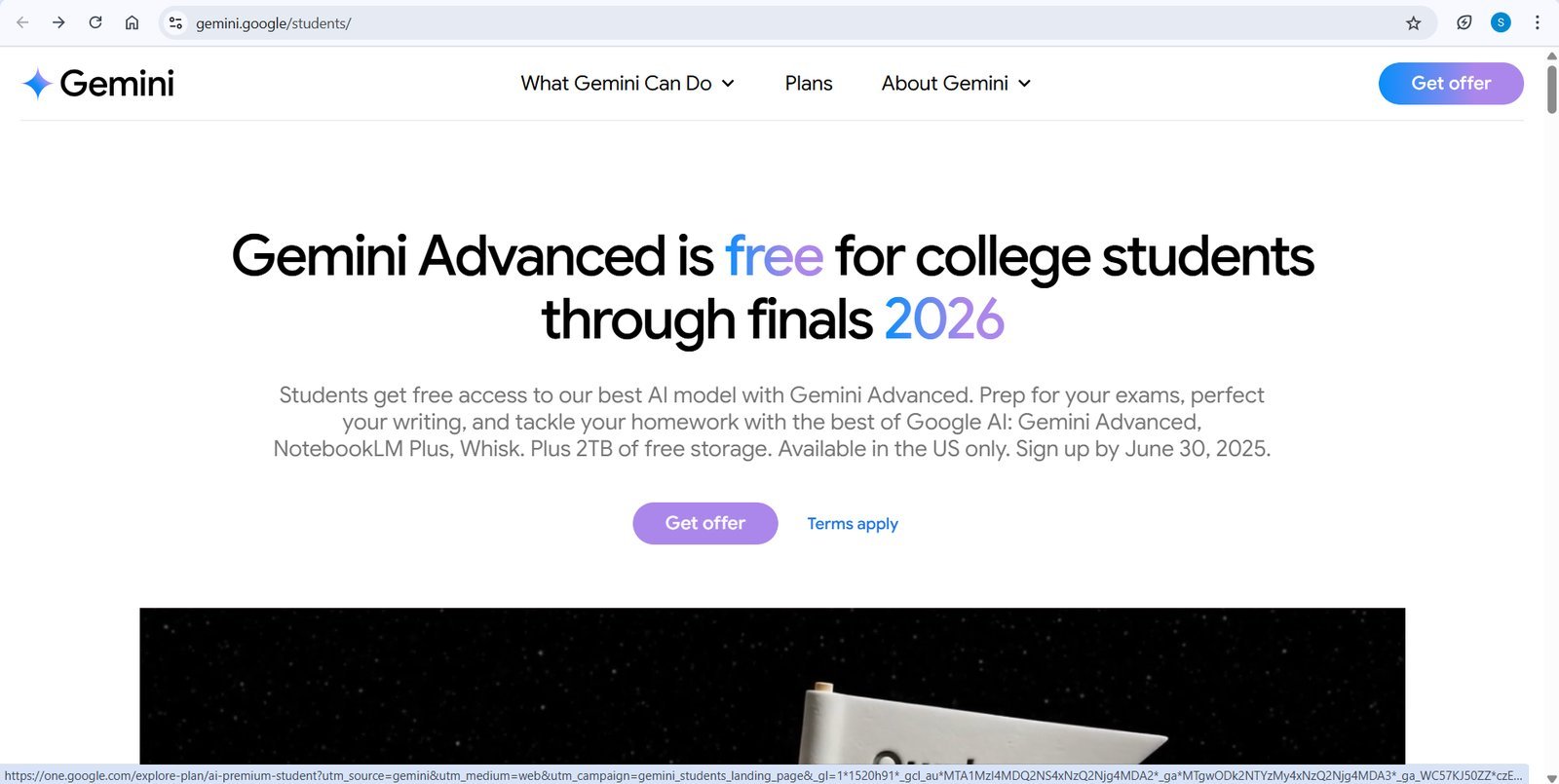
Can I use a student discount on an existing subscription?
Yes, you can often apply the discount to an existing plan by going through the verification process while logged into your current account. If the system doesn’t automatically adjust your billing, you may need to cancel your current plan and restart it using the student offer link.
What documents are accepted for verification?
You typically need a current student ID card, a tuition receipt, or an official enrollment letter that shows your full name and the current academic term. Ensure your document is clear, hasn’t been edited, and shows a date within the last few months to avoid rejection.
Does the discount apply to family plans?
No, the standard student discount is designed for individual accounts only and can’t be shared across a family plan. If you’re currently part of a family group, you might need to leave the group or create a separate account to qualify for the individual student rate.
Gemini student, in short
Start by logging out of all Google accounts and opening a private browsing window to attempt the verification again. If the issue persists, contact the support team through the official help page rather than trying to bypass the verification system. This ensures your account remains secure while you resolve the billing status.




