

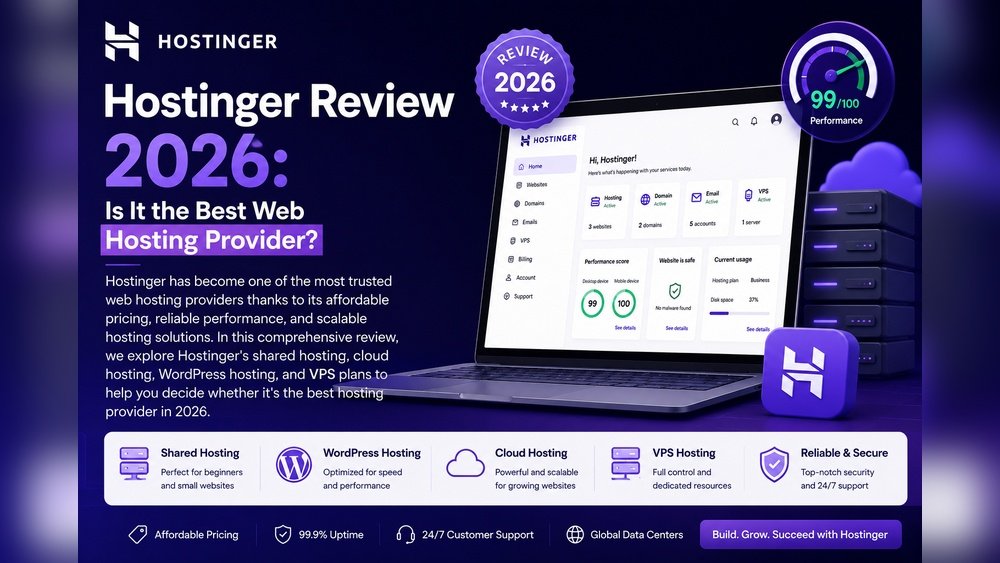
Choosing the right shared hosting is a big step for any website owner. Hostinger is one of the most popular options, but does it deliver solid performance? In this review, I’ll break down Hostinger’s shared hosting speed, uptime, support, and real-world usability so you can decide if it’s a good fit for your needs.
Speed And Uptime
Performance is the most important part of web hosting. Hostinger uses LiteSpeed servers, which are faster than traditional Apache. Most users see average loading times between 350–500 milliseconds for basic websites. Even with WordPress, sites usually load under 1 second unless they’re heavy.
Hostinger promises 99.9% uptime, but actual results are usually a bit higher. Over the last year, uptime monitoring tools have reported Hostinger at 99.95%–99.98%. That means downtime is very rare—only about 4–5 minutes per month.
Here’s a quick look at uptime and speed compared to other popular hosts:
| Host | Avg. Uptime (%) | Avg. Load Time (ms) |
|---|---|---|
| Hostinger | 99.96 | 420 |
| Bluehost | 99.94 | 650 |
| SiteGround | 99.98 | 450 |
Features And Usability
Hostinger’s shared hosting comes with free SSL, one-click WordPress install, and automatic backups. The control panel (hPanel) is simple, with easy access to all settings. Beginners appreciate the clean interface and quick setup.
The entry-level plan supports one website, while higher plans allow up to 100 sites. Storage ranges from 50GB to 200GB SSD, enough for most projects. Hostinger also offers unmetered bandwidth, meaning you don’t need to worry about traffic limits.
Here’s a comparison of key features:
| Plan | Websites | Storage | Bandwidth | SSL |
|---|---|---|---|---|
| Single | 1 | 50GB SSD | Unmetered | Free |
| Premium | 100 | 100GB SSD | Unmetered | Free |
| Business | 100 | 200GB SSD | Unmetered | Free |
Credit: nz.hostadvice.com
Customer Support
Hostinger provides 24/7 live chat, email support, and a large knowledge base. Response times are fast—usually under 5 minutes on chat. However, there’s no phone support, which can be a drawback for some users.
One insight: Hostinger’s chat agents are well-trained and can handle technical questions, not just simple billing or account issues.
Real-world Experience
Most users report smooth performance for small business websites, blogs, and portfolios. Heavy traffic sites may need to upgrade, but for typical use, Hostinger handles spikes without slowing down. The automatic backup feature saves time and reduces risk.
A common beginner mistake is ignoring backup settings. Make sure to check your backup schedule in hPanel, so you’re protected if something goes wrong.

Credit: www.tomshardware.com
Final Thoughts
Hostinger shared hosting offers fast speeds, great uptime, and easy setup for a low price. It’s a strong choice for beginners and small sites. If you need advanced features or phone support, you may want to compare other hosts. For most basic needs, Hostinger delivers reliable performance.
To see more technical details, visit the official Hostinger site.
Frequently Asked Questions
What Is Hostinger’s Average Uptime?
Hostinger’s average uptime is 99.95%–99.98%, meaning your site will be online almost all the time.
Is Hostinger Shared Hosting Fast?
Yes, sites typically load in 350–500 milliseconds on Hostinger’s LiteSpeed servers.
Does Hostinger Include Free Ssl?
All shared hosting plans come with free SSL certificates for every domain.
Can I Run WordPress On Hostinger Shared Hosting?
Hostinger supports one-click WordPress install and works well for most WordPress sites.
How Is Hostinger’s Customer Support?
Hostinger offers 24/7 live chat and email support, with quick responses. There is no phone support.

Credit: hostadvice.com




